
Website forms are a target for spammers, for a recruiter, application form spam can not only mean lots of annoying messages, but bad data in your recruitment CRM, such as Vincere.
Happily, there are many tools available to help you prevent the vast majority of spam, from super simple to very complex.
Firstly, where does form spam come from?
Automated tools mostly. There are lots of free to download tools that will trawl the internet looking for forms, once it finds one it will add it’s data and submit. Some of these tools store the website address the form was on and will come back again and again resubmitting to the same form.
Some form spam is targeted, ‘companies’ will sell your web address to be used in a more targeted distribution. Say a spammer wants to message all recruitment companies in the US, they buy a list and submit their own scripts.
What Do I Do With Spam Emails?
Delete it.
Do not reply to it as the spammer will know that there is a human at the other end of the form and will target you more.
Do not click any links within the email, they likely contain some nasties.
Protecting your Forms from Spam
But what can you do to protect spam? Let’s take a look at the most common spam prevention for your forms;
Google reCAPTCHA
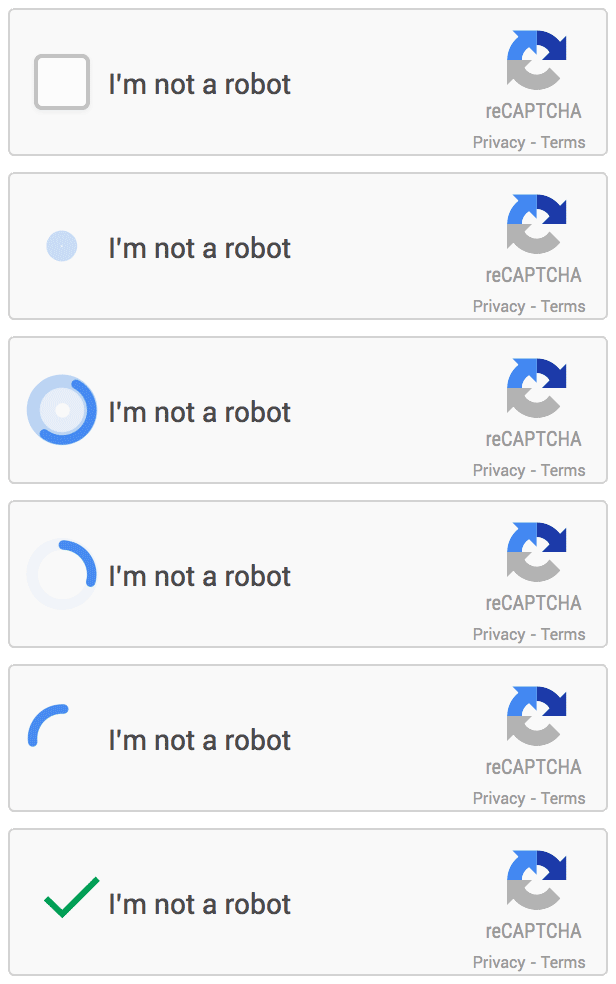
Tick the box to prove you are human, find all of the buses in the image grid, type the text in the box (the worst kind), you’ve likely seen these. They can be a pain to complete sometimes, but Google reCAPTCHA will save your form from the majority of spam.
Website Form Inbuilt Protection
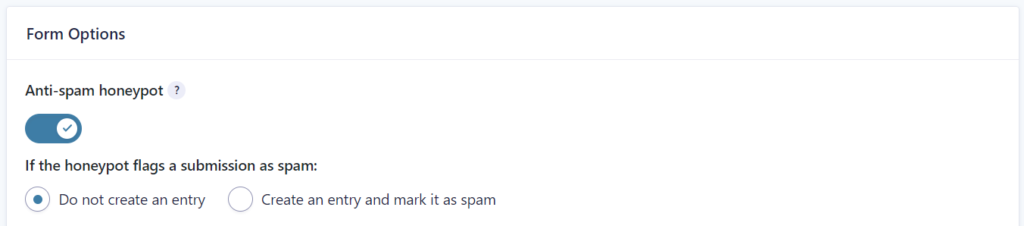
Most website form builders have some spam protection built in. This protection is less effort for the user usually but also less effective of blocking spam. Gravity Forms for example add a hidden field to your forms, a human will not see it so will leave it blank. An automation will see the field and complete it believing it to be a legitimate field, hence identifying itself as spam.
Manual Spam Prevention Fields
You might sometimes see a form with a random question or statement within it, such as ‘What month comes after May?’ or ‘Type NO SPAM in the box below’. When the form is submitted, a check is made on the field, if the answer is wrong, do not send the form. These used to work great a few years ago, but bots have wised up to this and can often beat them.
The trick here is to not make it so hard that most people cannot answer, but too easy for bots to understand. Basic math is out
What is 21 + 15?
as it is easy for a bot to answer. A better question is such as
How many legs on a typical dog? (eg: 5)
Proving a suggested answer often makes the automation choose that answer, ‘helping’ it to get teh answer wrong.
Prevent Application Form Spam Specifically
You certainly do not want spam from your application form. This spam could end up in your Vincere data compromising your data quality. We create application forms daily and use a variety of tools mentioned above. Firstly we use the inbuilt protection in the form itself, we then also use Google reCAPTCHA as an additional step. This will stop the vast majority of spam emails, but we add an extra layer of protection. If the email gets through the spam checks, we also monitor the data ourselves to see if it looks like spam. This all happens before the data is entered in to Vincere, together blocking 99% of spam emails or more.
It is almost impossible to beat all spam, but using the tips above will help you stop the vast majority.
Are you receiving lots of spam emails, or even worse, is spam entering Vincere through your application forms? Contact us and we’ll help stop that spam and let you concentrate on filling jobs.